
What IPTV Smarters Does
IPTV Smarters is an IPTV player app many viewers choose because the layout feels simple and familiar. It typically separates live TV, movies, and series into clear categories, which makes it practical for users who want a straightforward interface. If you are still comparing service options, start with our best IPTV service overview or region pages like IPTV USA and IPTV Canada.
Login Methods Most Users See
Most users log in with Xtream Codes details or a supported playlist format from the provider. The important part is entering the server URL, username and password exactly as supplied.
Setup Steps to Follow
- Install IPTV Smarters on a compatible device
- Open the app and select the supported login method
- Enter the server URL and credentials carefully
- Allow the app to load channels, categories and guide data
- Test live TV and on-demand sections before daily use
Devices Commonly Used
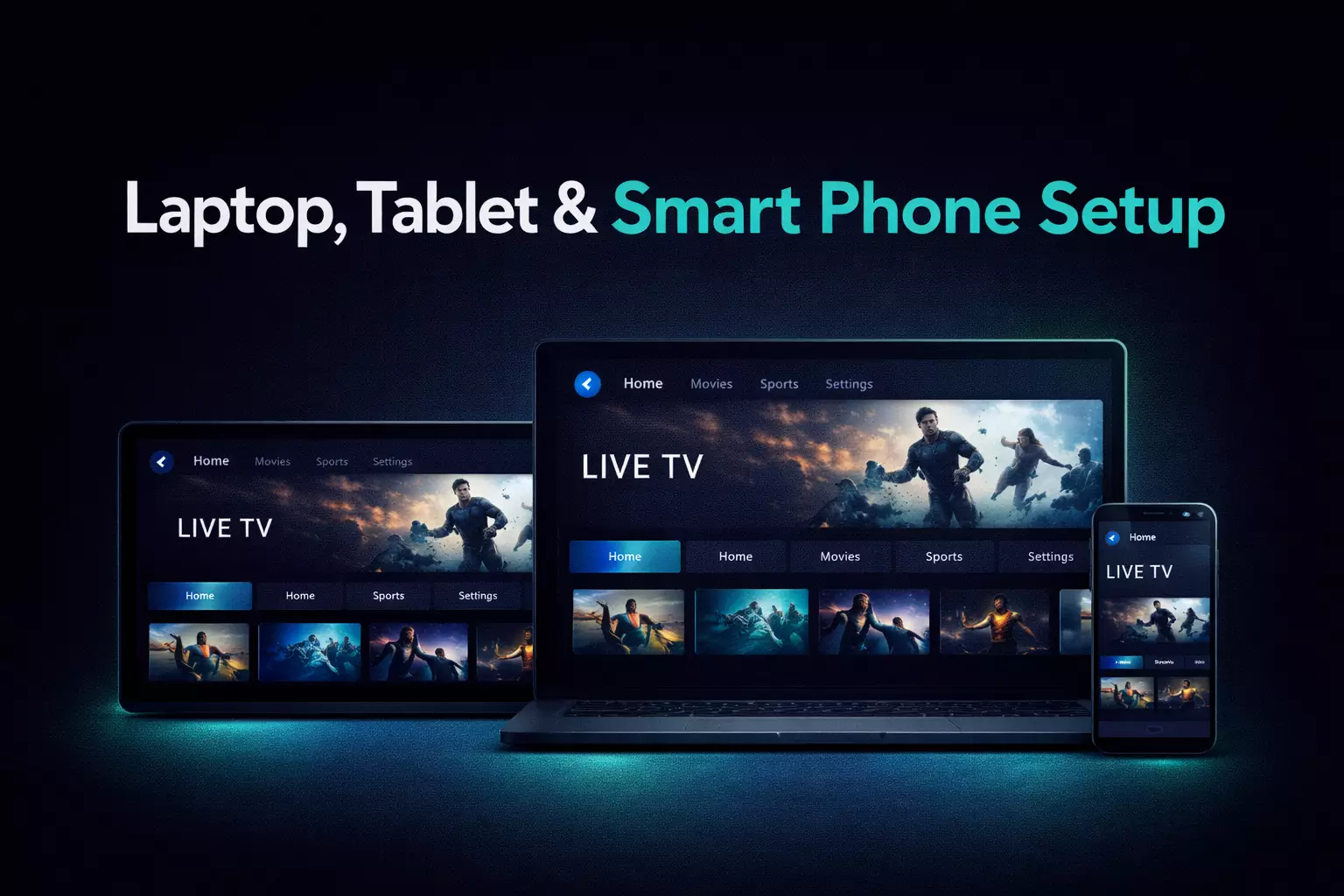
IPTV Smarters is often used on Firestick, Android TV devices, and supported mobile or tablet setups. If your main device is Firestick, continue with how to set up IPTV on Firestick. If you are still choosing between players, compare our best IPTV player guide and the TiviMate guide.
Basic Troubleshooting Checks
- Check that the server URL, username and password were entered correctly
- Restart the app if categories fail to load
- Confirm the internet connection is stable enough for HD or 4K viewing
- Try another channel or category to see whether the issue is stream-specific
Conclusion
IPTV Smarters is a practical choice for users who want a familiar category-based layout and simple login flow. Test it on your main device to see whether the navigation matches how you actually watch.